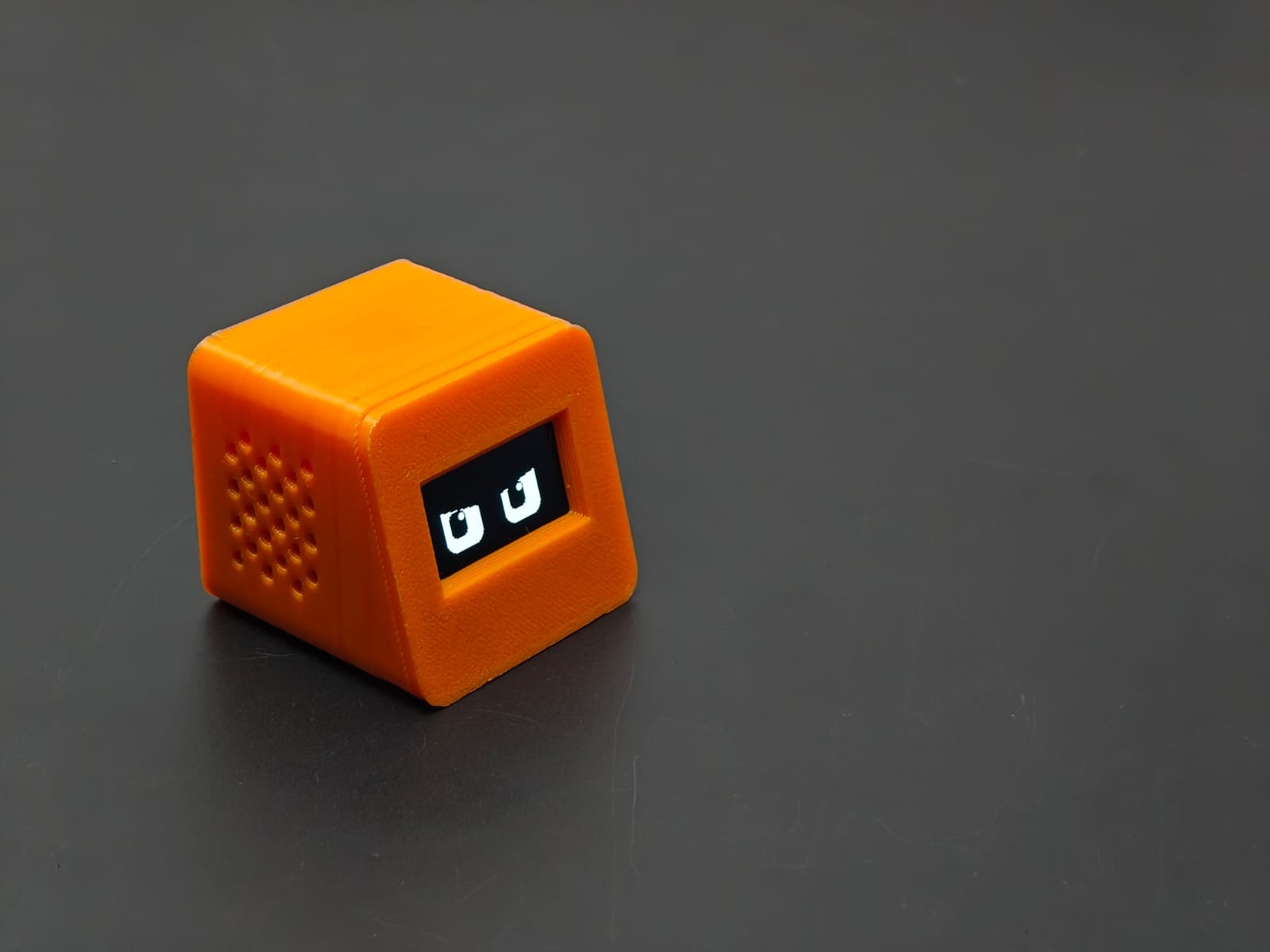
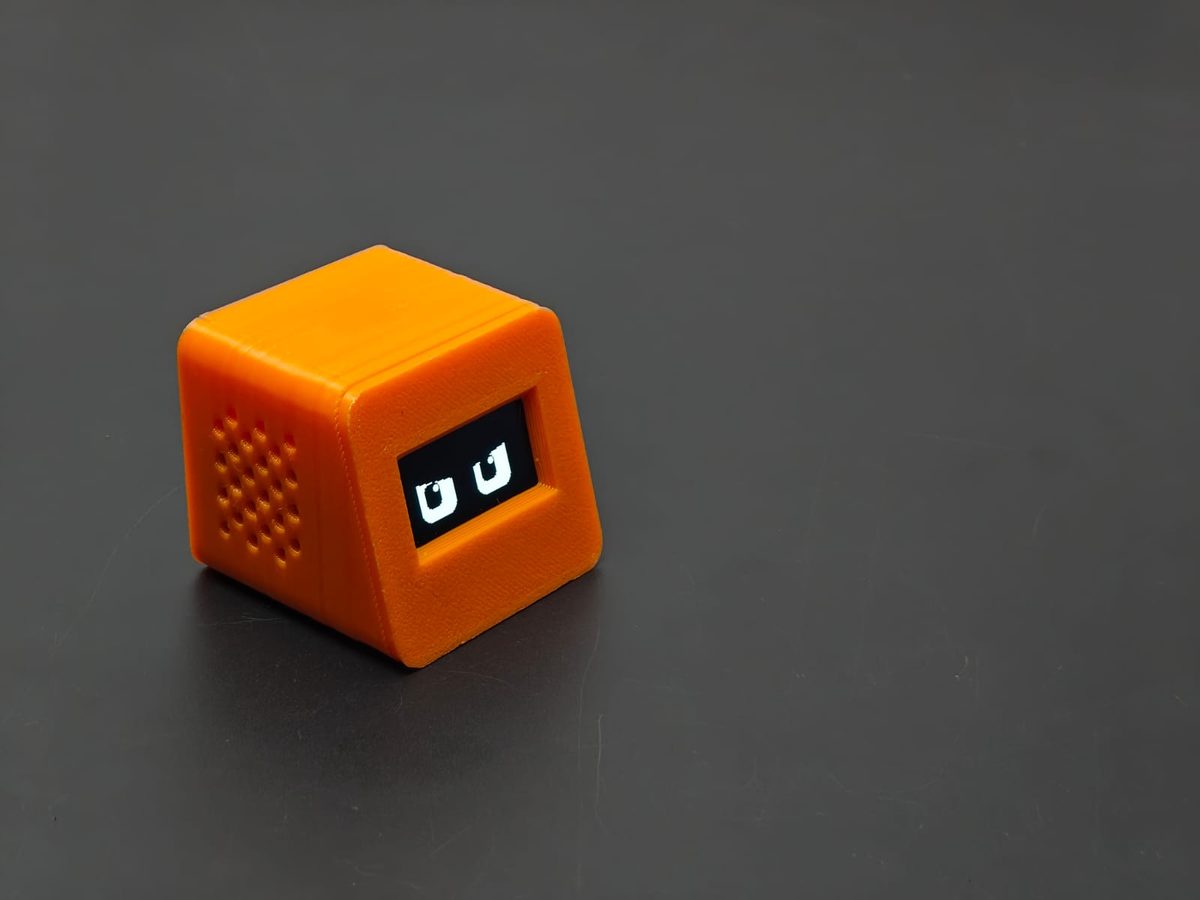
Assembled
Built, flashed and tested. Charge it, join your Wi-Fi and say “Hi ESP”.
- Fully assembled in the 3D-printed case
- Firmware installed and tested
- Rechargeable battery and USB-C charging
ESC LABS · open desk robot
A pocket-sized AI voice assistant with expressive eyes, and a desk clock, weather station and retro game clock in one.
Get yours
Ready to use out of the box, or build it yourself from the kit.

Built, flashed and tested. Charge it, join your Wi-Fi and say “Hi ESP”.

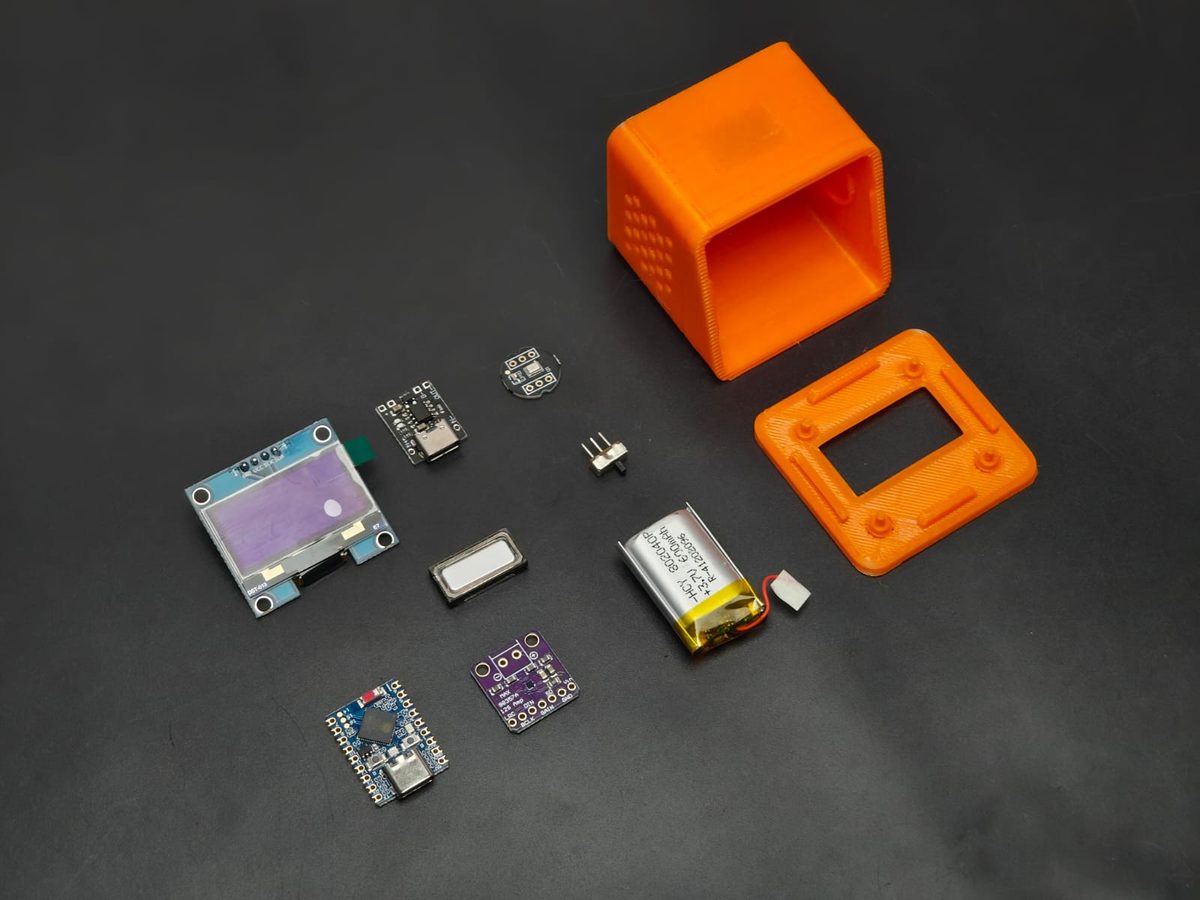
All the modules and the printed case. Wire it with the guide below, then flash it from this page.
Photos show the selected case colour. Both open the ESC LABS store.
Live simulator
This screen runs the same modes as the device. Tap the touch pad, hold it for 5 seconds to change mode, or use the controls.
On the device, the AI picks the mood that fits its reply.
Tap: next page. Press 1–4 s: face → next mood, clock → world clock, weather → forecast, timer → start / cancel. Double tap: bright / dim.
Tap: next game. Triple tap: back to DeskBuddy. The device has 6 arcade-style clocks; 3 are shown here.
Three modes
It always wakes up as your AI assistant. Hold the touch pad for 5 seconds, or just ask, to switch.
Say “Hi ESP” and talk. It listens, answers out loud, and its eyes react to the conversation.
A desk companion that cycles through useful pages on its own, or on a tap.
The time, told by tiny retro arcade games that play themselves.
Voice commands
Start with the wake word, then say it in your own words. Click any line to see what happens on the simulator.
Touch gestures
| Gesture | AI Assistant | DeskBuddy | Game Clock |
|---|---|---|---|
| Hold 5 s | → DeskBuddy | → Game Clock | → AI Assistant |
| Tap | Talk / stop | Next page (timer: pick 1 / 3 / 5 min) | Next game |
| Double tap | – | Bright / dim | Bright / dim |
| Triple tap | – | → Game Clock | → DeskBuddy |
| Press 1–4 s | – | Face: next mood · Clock: world clock · Weather: forecast · Timer: start / cancel | – |
Settings page
Once Ai-DeskBuddy is on Wi-Fi it shows its address on screen for 10 seconds. Open it in any browser on the same network. You can also ask “open the settings page”.
City, country code and your free OpenWeather API key. Weather refreshes automatically.
Your YouTube, Instagram and Facebook counts for the DeskBuddy social page.
Mode, game clock style and whether DeskBuddy pages cycle on their own.
Build your own
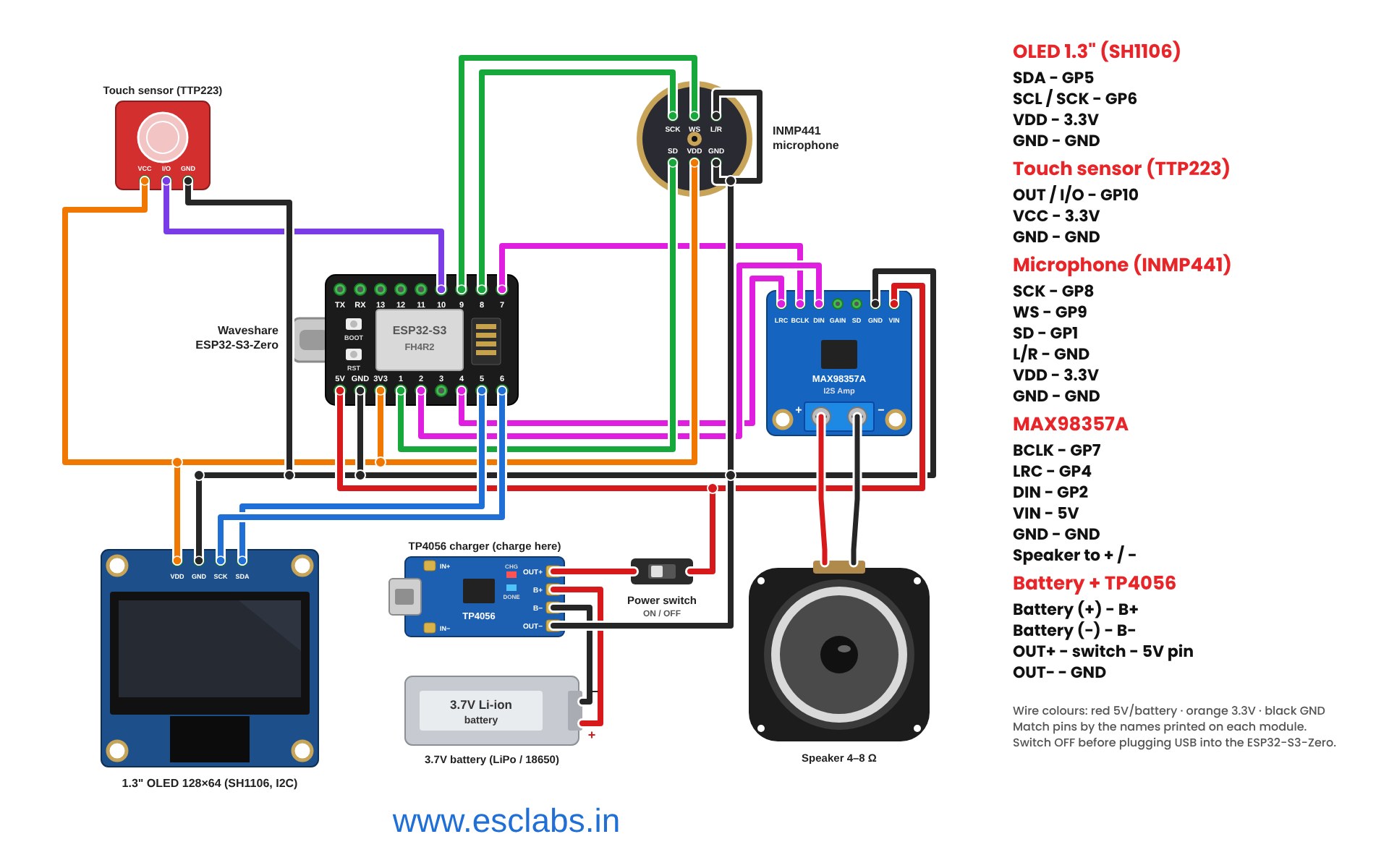
No custom PCB: everything is off-the-shelf modules wired to a Waveshare ESP32-S3-Zero, inside a 3D-printed case.
Click to open full size. Match each wire by the pin names printed on your modules; pin order varies between sellers.
| Module | Connections to ESP32-S3-Zero |
|---|---|
| OLED | SDA → GP5 · SCL → GP6 · VDD → 3V3 · GND → GND |
| Touch sensor | OUT → GP10 · VCC → 3V3 · GND → GND |
| INMP441 mic | SCK → GP8 · WS → GP9 · SD → GP1 · L/R → GND · VDD → 3V3 · GND → GND |
| MAX98357A amp | BCLK → GP7 · LRC → GP4 · DIN → GP2 · VIN → 5V · GND → GND |
| Battery | Battery → TP4056 B+ / B− · OUT+ → switch → 5V · OUT− → GND |
Install
Plug Ai-DeskBuddy into your computer with a USB-C data cable and install the firmware straight from your browser. Nothing to download.
Firmware for the 1.3" OLED (SH1106) version.
Works in Chrome and Edge on Windows, macOS and Linux. If no port appears, hold BOOT on the S3-Zero while plugging in USB, then try again.
Prefer manual? Download the firmware and flash it at 0x0.